@rmdcp
Not sure what happened in your case but incorrect variables should not break the template. When the system doesn't find a variable it should either leave it as is or replace it with an empty string.
I just tested this with v1.14.1 and the Internal Activity Alert template. I have a variable called %{note.message} (which you say breaks the template), I post an Internal Note, and I receive the email and the variable works (it shows the internal note body). So, I have no idea what the issue is for you. Maybe you were having email issues which were resolved around the same time as you changing variables?
Email Template
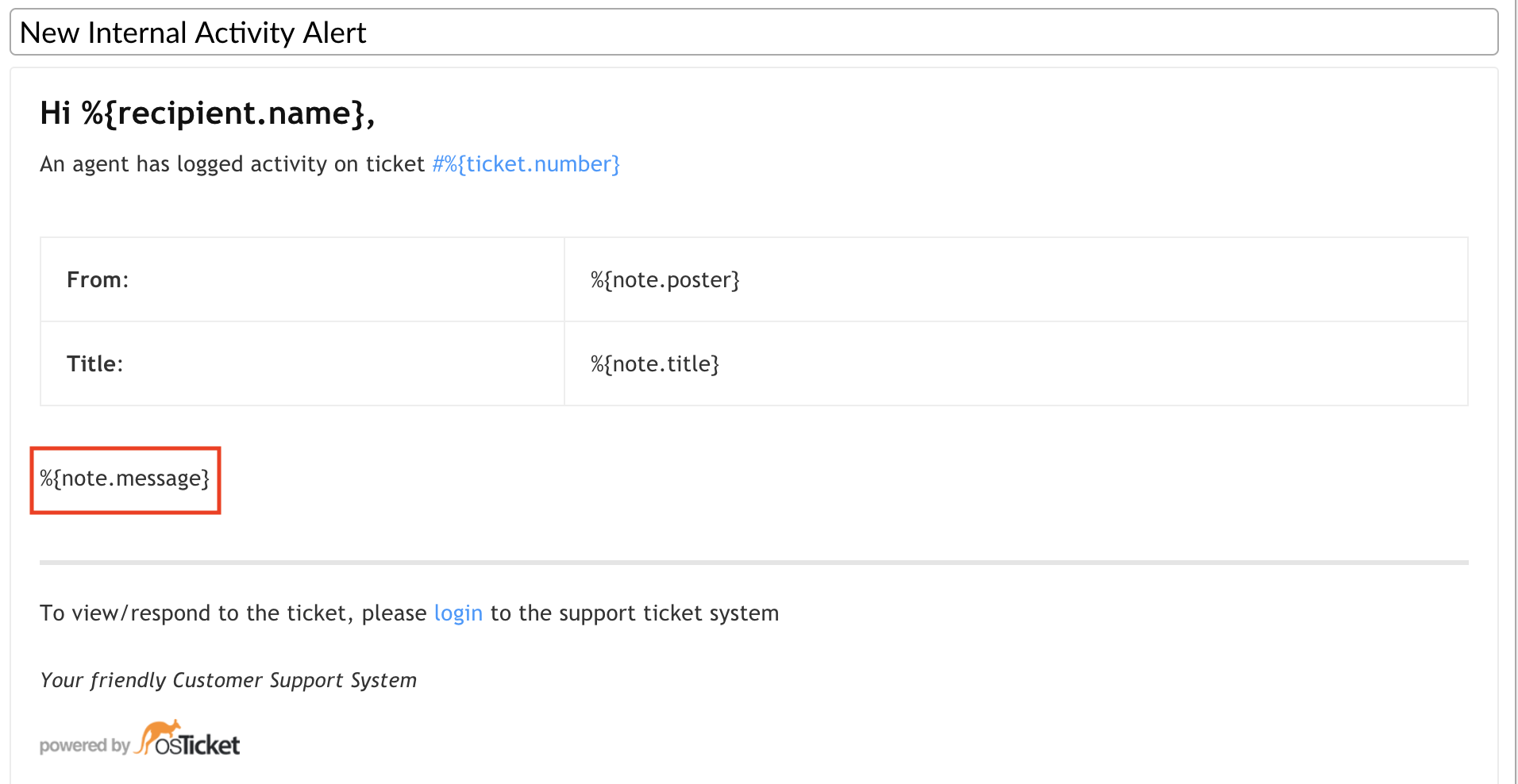
Internal Note

Email Alert
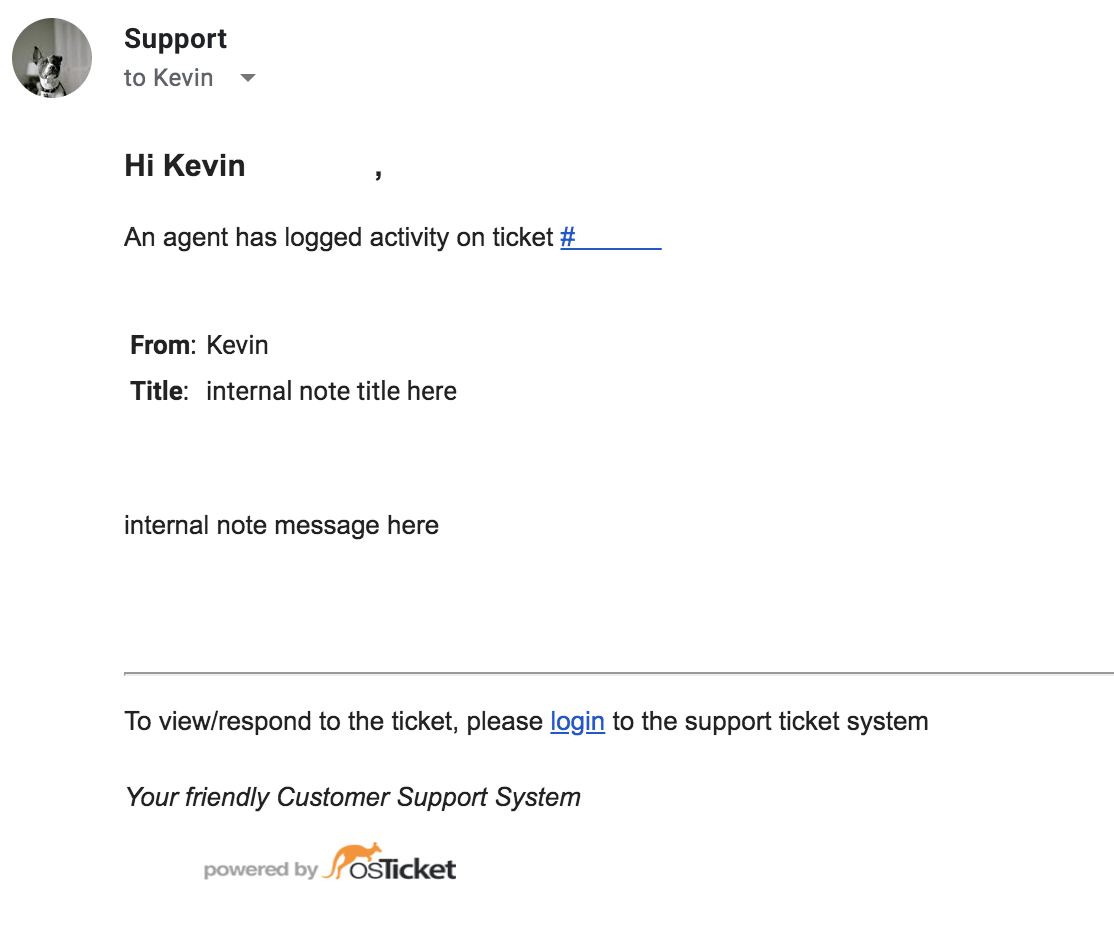
P.S.
%{note.message} is actually now %{note.body}, not just %{note}.
Cheers.

