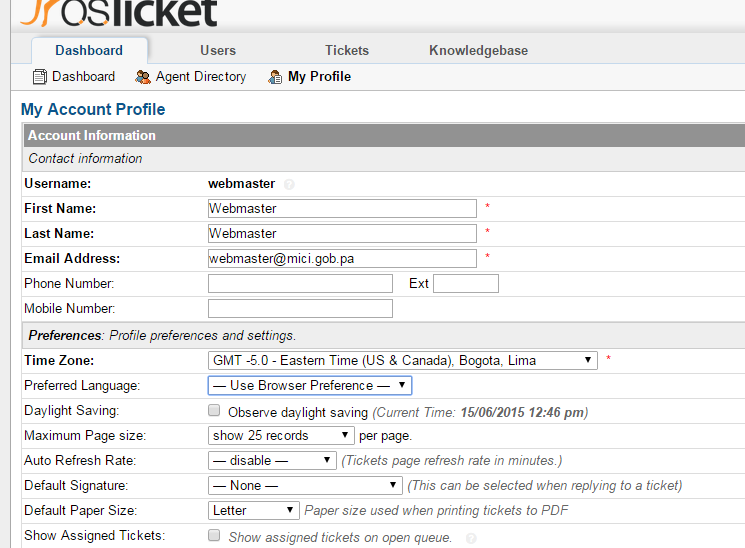
I'm on v1.9.8.1, to achieve the change of global language, follow this steps:I had a few issues trying to set it from installation sequence, so I installed English by default. Install the language package that you prefer.Once done that it's needed to edit the database since there is no option in the admin panel to change it, the table is ost_config, key, value (or the language you have installed)And that's it!